I · The Extension
Analyze with Mail Arbiter
A Chrome extension that adds one action to Gmail and to Outlook on the web. It reads a message only when you ask, and shows the verdict in a side panel next to the message.
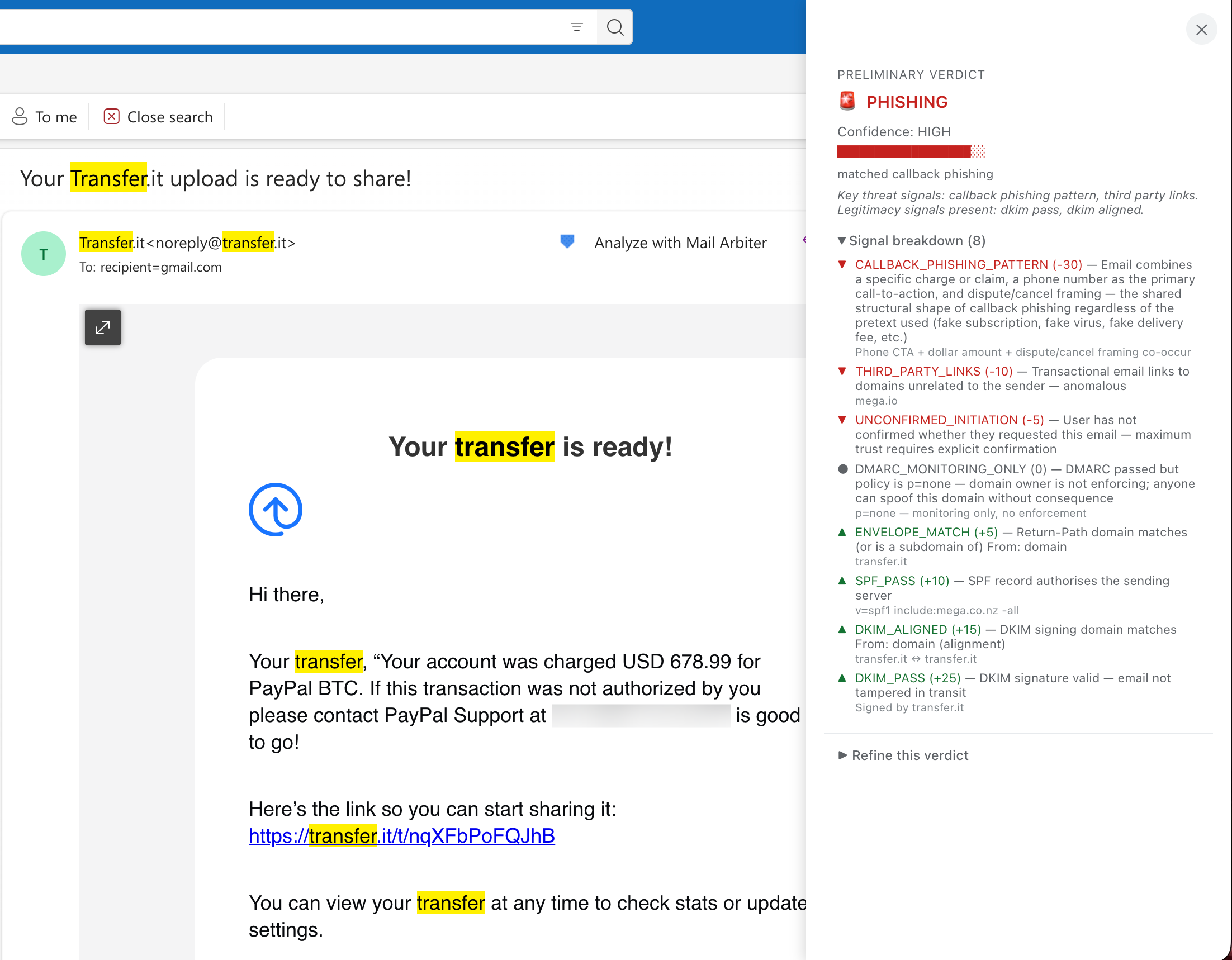
A considered second opinion on any email you doubt. Phishing, an account you never opened, or simply legitimate. Examined on your own computer, not on ours.
Forged senders, look-alike domains, links that go somewhere other than they claim.
Welcome and verification messages for sign-ups made in your name by someone else.
The sender is authenticated, the domain is established, and the content is consistent.
Where the evidence conflicts, Mail Arbiter says it is inconclusive rather than guess. Each verdict comes with the full breakdown of signals behind it.
A Chrome extension that adds one action to Gmail and to Outlook on the web. It reads a message only when you ask, and shows the verdict in a side panel next to the message.
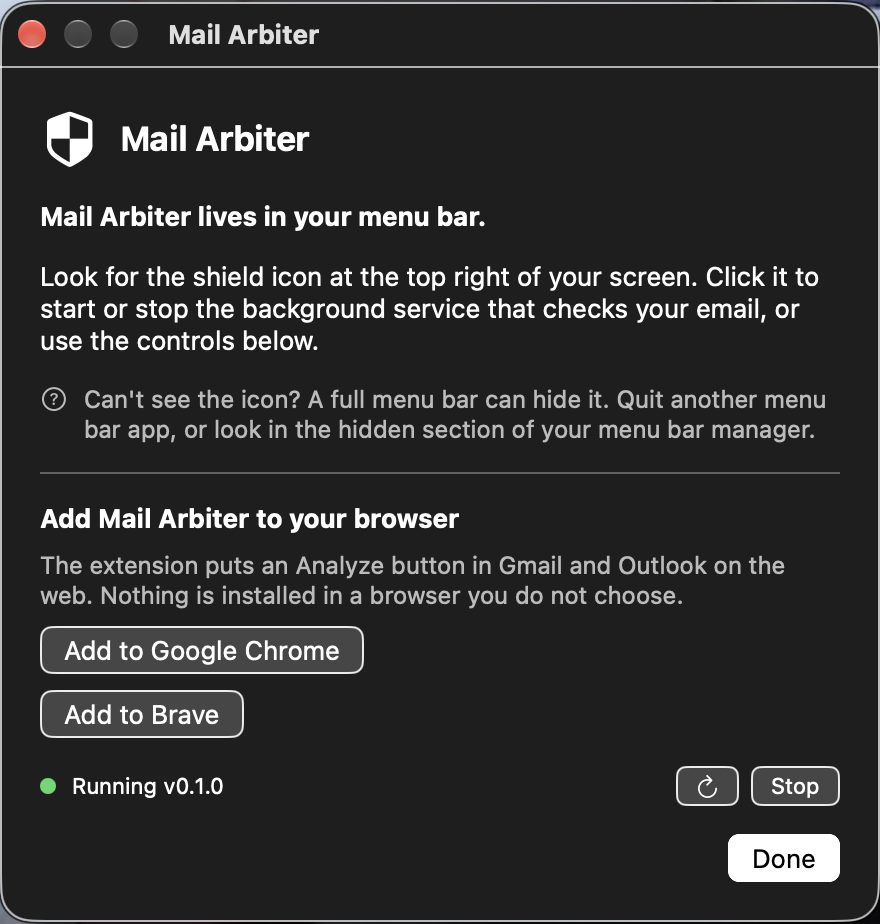
A macOS app that runs the analysis on your own computer, reachable only from that computer. Press Start to begin and Stop to end it. It stays stopped until you press Start again.
Your correspondence is read on your machine, and nowhere else.
Cranfill Enterprises operates no server that receives your email. The analysis runs on your computer, and the message is held in memory only as long as it takes to judge it.
Install the companion app on your Mac, then add the extension to Chrome. The app will offer to add it for you.
Questions or feedback: mailarbiter@cranfillenterprises.com